
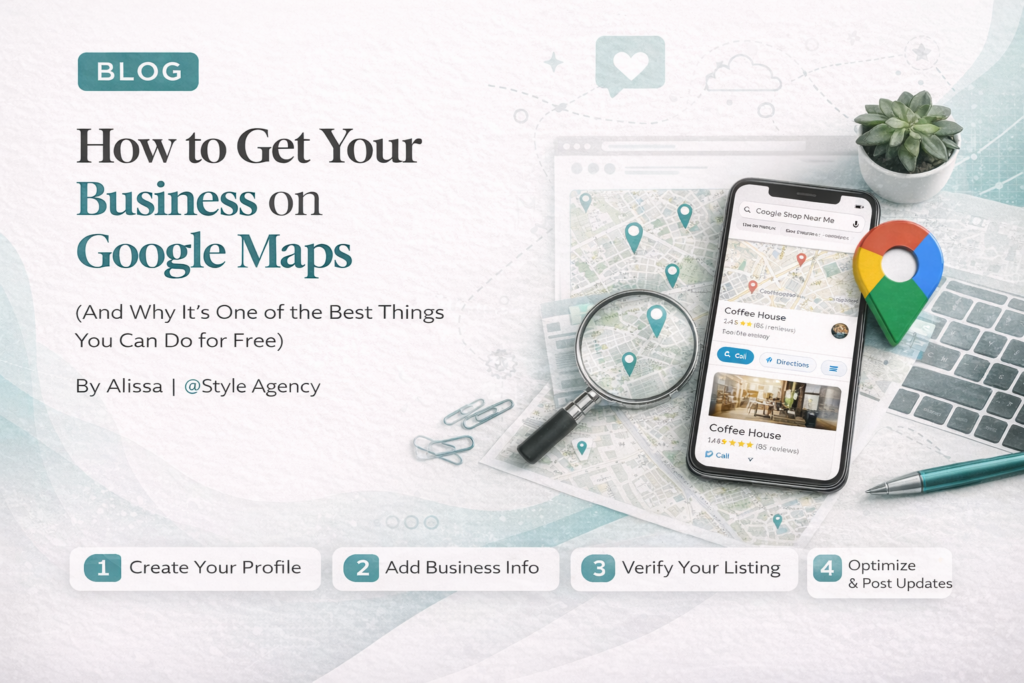
By Alissa | @Style Agency
Back in 2011, when I was trying to get Five6even8 Dance Studio visible online, one of the first things I tried to do was get the business listed on Google Maps.
What followed was one of the most frustrating experiences of my early entrepreneurial life.
The only way to verify your listing back then was through a postcard. Google would mail a physical card to your business address with a verification code, and you’d enter that code to confirm you were who you said you were. Sounds simple enough. Except that the postcards frequently never arrived. You’d wait. Request another one. Wait again. Request another. The postcards would get lost, delayed, or never show up, and in the meantime, your listing sat there unverified, invisible to local searches, while your competitors, who somehow managed to get verified, showed up on every relevant search in your area.
The struggle was very real.
Eventually, we got there. And once Five6even8 was verified and showing up in Google Maps, the difference in enquiries was immediate. People searching for dance studios in our area could suddenly find us, even though we had no shopfront, no signage, and no physical presence that anyone could see from the street. Google Maps became our storefront. It’s what put us on the map, literally.
I tell this story because I want every small business owner reading this to understand: getting onto Google Maps is not optional. It is one of the most powerful, highest-impact, completely free things you can do for your business’s visibility. And the good news is that it’s significantly easier today than it was in 2011.
What is Google Business Profile and why does it matter?
Google Business Profile — previously called Google My Business — is your free business listing on Google. It’s what appears when someone searches for your business name, or when they search for businesses like yours in their area.
It’s the card that shows up on the right side of Google search results with your business name, address, phone number, photos, opening hours, and reviews. It’s also what gets you into the Google Map Pack, those three local businesses that appear at the top of search results with a map when someone searches “near me” or in a specific city.
Getting into that Map Pack is where the real value lies. Studies consistently show that the three businesses in the Map Pack capture the majority of local search clicks. If you’re not there, you’re invisible to a huge portion of people actively looking for what you offer.
And it’s completely free to set up.
Step 1 — Go to the right place
This is where a lot of people get confused first. There are multiple places Google sends you depending on how you search, and it’s easy to end up on the wrong page.
The correct starting point is business.google.com
Go there, sign in with your Google account, or create one if you don’t have one, and either search for your business name to claim an existing listing, or select “Add your business to Google” to create a new one from scratch.
If your business already appears in Google Maps but hasn’t been claimed, you’ll see an option to “Claim this business.” This is common for businesses that have been around for a while, Google often creates basic listings automatically from publicly available information.
Step 2 — Fill in your business information
Once you’ve claimed or created your listing, fill in every field as completely and accurately as possible. This isn’t just good practice; it directly affects how well you rank in local searches.
The key fields to complete:
Business name: Use your exact trading name. Don’t add keywords or location into the name field (e.g., don’t write “Joe’s Plumbing — Best Plumber Johannesburg”). Google penalises this, and it looks untrustworthy to customers.
Business category: Choose the primary category that most accurately describes what you do. This is one of the most important ranking factors for local search, so choose carefully.
Address or service area: If you have a physical location, add your address. If you work from home or travel to customers, you can list a service area instead of a street address — Google allows this for service-area businesses.
Phone number: Use a number that customers can actually reach you on. Landline or mobile both work.
Website: Link to your website. If you don’t have one yet, this is another reason to get one built.
Opening hours: Fill these in accurately. Customers rely on this information, and incorrect hours lead to frustration and negative reviews.
Business description: Write a clear, keyword-rich description of what you do, who you serve, and where you’re based. This is prime real estate for the search terms your customers use.
Step 3 — Verify your listing
This is the step that trips most people up, and it’s also where things have changed the most since the postcard days.
The good news: postcard verification is effectively no longer the primary method. Google phased it out for most businesses.
The main verification methods available today are:
Video verification: This is now the most common method Google offers. You record a short, continuous video on your phone showing proof that your business is real and that you have the right to manage it. The video needs to show your business address (street signs, building numbers), your business signage or branding, and ideally, the inside of your workspace or equipment. Google reviews the video within one to five business days.
Phone or SMS: Google calls or texts a verification code to your business phone number. Quick and straightforward if this option is available to you.
Email: A verification code or link is sent to your business email address. Available for some businesses, depending on their category and location.
Instant verification: If your website is already verified in Google Search Console and you’re using the same Google account for both, you may qualify for instant verification with no further steps required.
One important thing to know: Google decides which verification method to offer you — you don’t get to choose. The method available to you depends on your business type, location, and how much information Google already has about your business. If you’re offered video verification, don’t be put off by it. It’s straightforward once you know what to show.
Step 4 — Optimise your profile after verification
Getting verified is only the beginning. A basic verified listing is better than nothing, but a fully optimised listing is what actually gets you ranking in the Map Pack.
After verification, prioritise these:
Add photos: Businesses with photos receive significantly more clicks and direction requests than those without. Add your logo, a cover photo, photos of your premises or work, and team photos if relevant. Keep adding new ones regularly.
Add your services: List your individual services with descriptions. This gives Google more context about what you offer and helps you appear in more specific searches.
Enable messaging: Allow customers to message you directly from your Google listing. This removes friction and increases the chance of an enquiry turning into a booking.
Start collecting reviews: Google reviews are one of the strongest ranking signals for local search. After every job or sale, ask your happy customers to leave a review. Make it easy by sending them a direct link to your review page. Respond to every review, positive and negative, professionally and promptly.
Post regular updates: Google Business Profile has a Posts feature that lets you share news, offers, and updates. Using it signals to Google that your listing is active and well-managed, which helps your ranking.
What to do if your verification keeps failing
Video verification rejections are the most common stumbling block people hit today. If your video gets rejected, the most likely reasons are:
- The video was edited or not recorded as a single continuous take
- The business address shown in the video doesn’t clearly match the listed address
- There was no visible business signage or branding
- The video was too short or didn’t show enough proof of operations
Record a new video, make sure it’s one unedited take, and show as many of the required elements as clearly as possible.
If you’re consistently having trouble getting verified and you’ve tried multiple times, this is genuinely a situation where it helps to work with someone who has done it before. At Style Agency, Google Business Profile setup and verification are included in every package we offer, because we know how frustrating it can be to navigate on your own.
The bottom line
Google Maps is free. Getting your business onto it takes less than an hour once you know the steps. And the impact on your local visibility, and your bottom line, can be significant.
Five6even8 Dance Studio proved that to me a long time ago. Even without a shopfront, even without signage, even without a marketing budget, a verified, optimised Google listing put us in front of the right people at the right moment.
Your business deserves the same.
Book a consultation → if you’d like @Style Agency to handle your Google Business Profile setup, verification, and full optimisation for you.
Alissa is the founder of @Style Agency, a Johannesburg-based digital agency specialising in complete online presence solutions for small businesses.